


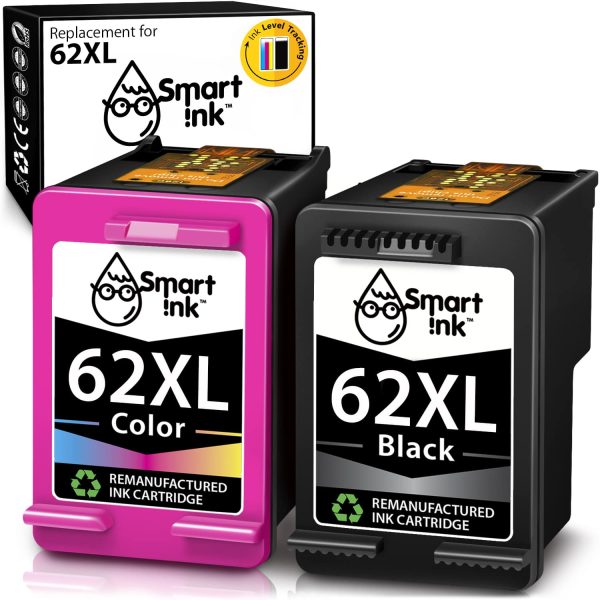
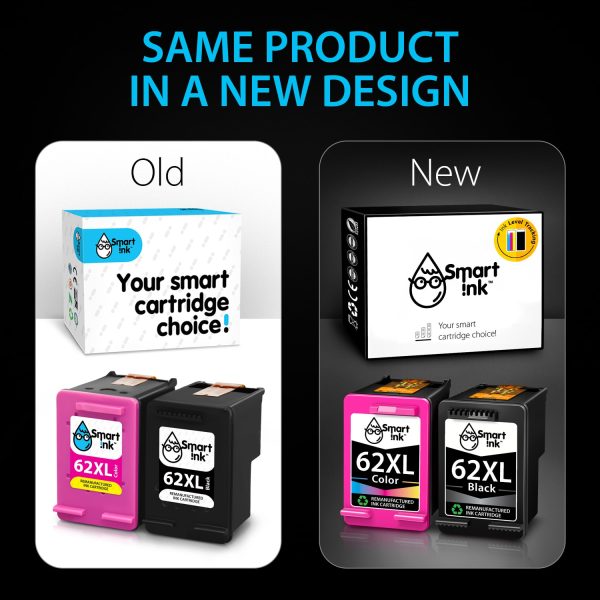
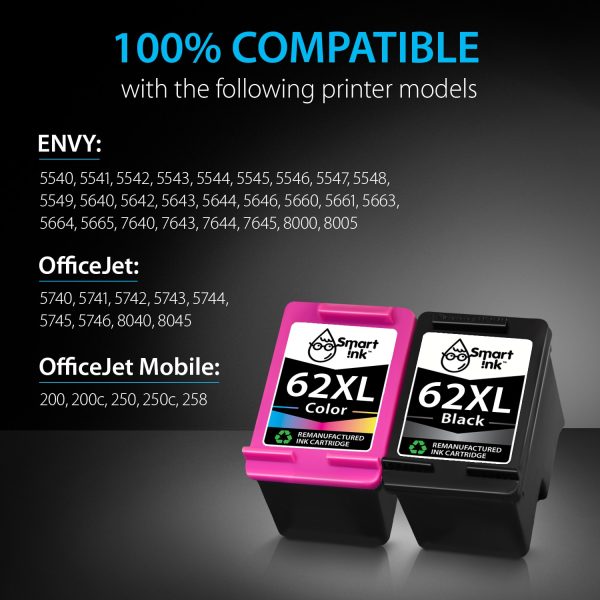
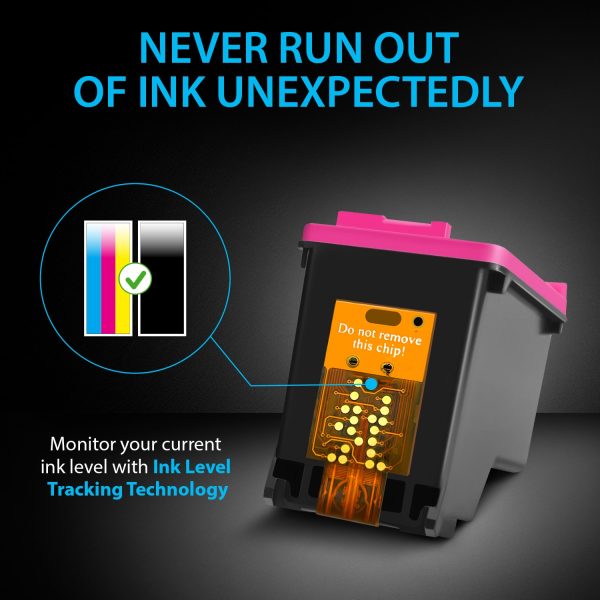

DescriptionGUARANTEED TO WORK WITH THE FOLLOWING PRINTERS:HP OfficeJetHP Officejet 5740HP Officejet 5741HP Officejet 5742HP Officejet 5743HP Officejet 5744HP Officejet 5745HP Officejet 5746HP Officejet 8040HP Officejet 8045HP OfficeJet MobileHP Officejet Mobile 200HP Officejet Mobile 200cHP Officejet Mobile 250HP Officejet Mobile 250cHP Officejet Mobile 258HP ENVYHP Envy 5540HP Envy 5542HP Envy 5543HP Envy 5544HP Envy 5545HP Envy 5546HP Envy 5547HP Envy 5548HP Envy 5549HP Envy 5640HP Envy 5641HP Envy 5642HP Envy 5643HP Envy 5644HP Envy 5646HP Envy 5660HP Envy 5661HP Envy 5663HP Envy 5664HP Envy 5665HP Envy 7640HP Envy 7643HP Envy 7644HP Envy 7645HP Envy 8000HP Envy 8005THE ADVANTAGES OF HP 62 INK CARTRIDGES:Innovative technology. All of our HP 62 XL printer cartridges are highly compatible because they are equipped with the latest chip version. HP 62XL cartridges are also endowed with ink-level tracking technology. It allows you to control your ink level so as not to run out of it unexpectedly.Outstanding print quality. HP 62 XL ink cartridges from Smart Ink provide impeccable quality that matches the original cartridges. We also care about environmental sustainability by distributing remanufactured HP 62 printer cartridges from OEM products. After professional cleaning, they are sold again, maintaining their high-quality performance.Detailed cartridge testing. We also carefully test all our HP 62 XL compatible ink cartridges before shipping them to our clients. It is also important for us to provide multi-layered packaging because we ship HP 62 ink all over the world. Such packaging ensures safe delivery and storage for up to a year and a half. Certified quality. All our cartridges are certified and have a quality mark (CE, ISO 9001,ISO 14000, Reach, STMC)24/7 support. Having gained a 850,000-member family of Smart Ink users all over the world, we strive to provide efficient support. Therefore, we work all day long for your convenience and are always ready to answer any questions you have about our hp 62 printer ink cartridges.PRODUCT INFORMATION:Page Yield: High Yield Version (XL)Black: 650 pagesColor: 440 pagesShelf life: 2 yearsInk type: Dye-based How much will you save with Smart Ink compatible cartridges?Here at Smart Ink we care about:Your savings — spend saved money on what matters most. Things are not worth investments — memories are. Our cartridges allow you to save up to $200 a year for what really matters.Your prints quality — same vivid colors and sharpness as originals. We prioritize quality above all else. We use original ink composition and thoroughly test cartridges before putting them on sale.Your confidence — we are always here to help when you need us. Installation is easy. But even if for any reason our cartridges are not suitable for you, we can always return them if needed.FAQHow to fix a “Non-HP Cartridges” or “Previously used cartridges” error message?To delete the message box and restart printing using Smart Ink HP 62 XL cartridges, tap “OK” or “Continue.”How to fix “Ink Cartridges Problem”/”Cartridges Depleted”/”Missing Cartridges” errors?Option 1 Unplug the printer while it is still on and wait for around 60 seconds. Reattach the cable, then restart the printer. Option 2: The yellow strip may not have been completely removed or the HP 62 compatible ink cartridge may not have been inserted correctly. If the HP printer cartridge 62 XL does not operate correctly, you will need to remove the ink cartridge, make sure the pink strip has been eliminated, and then reinsert the cartridge. Option 3: Use a dry, lint-free cloth to gently wipe the connectors on the 62 HP cartridges and the carriage to remove any dust or debris that has accumulated while using the printer. Reinstall the cartridge and carry on printing.How to resolve print quality issues in HP 62 ink cartridges?You should start by opening the Printer Toolbox. There are two ways to accomplish this: Tap Settings in HP Director (or HP Solution Center), then tap Printer Toolbox under Print Settings. Open the Checkup Panel’s Printers and Fax tabs. Right-click your printer sign and then choose Properties. Then click the Printing Preferences button, go to the Services page, and then click the Service This Device button.Purify the print cartridges by tapping the Device Services option after the Printer Toolbox has opened. then adhere to the directions displayed on screen. There are three different cleaning levels that you can choose from. Recycle or throw away the printed page.Become one of our happy customers — get HP 62 ink from Smart Ink!
Related products