



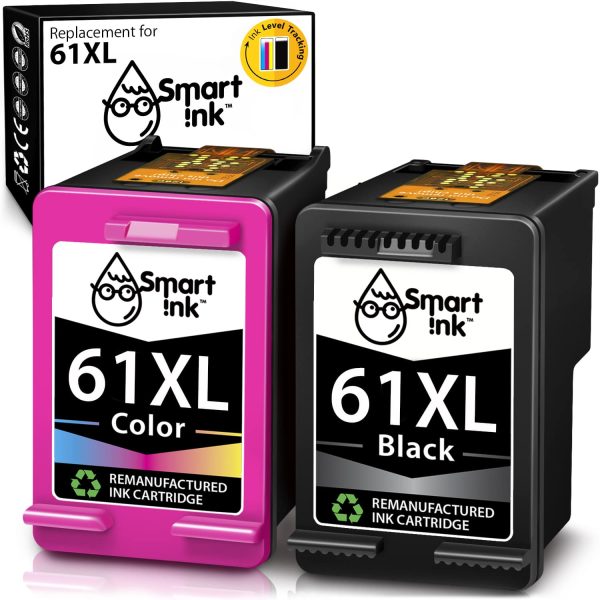
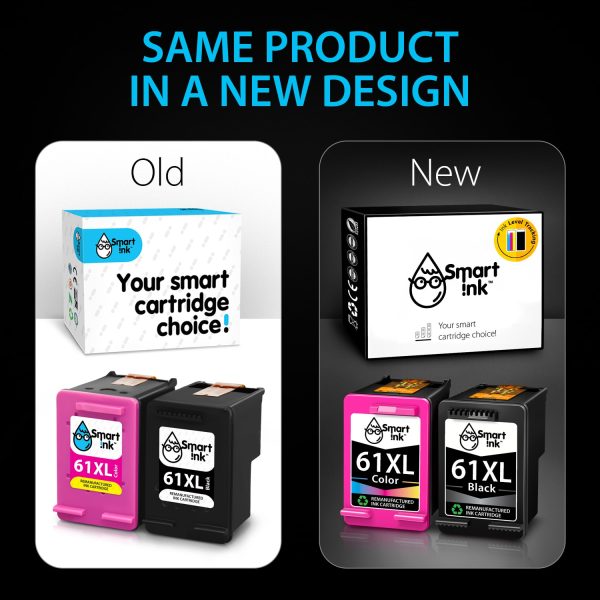
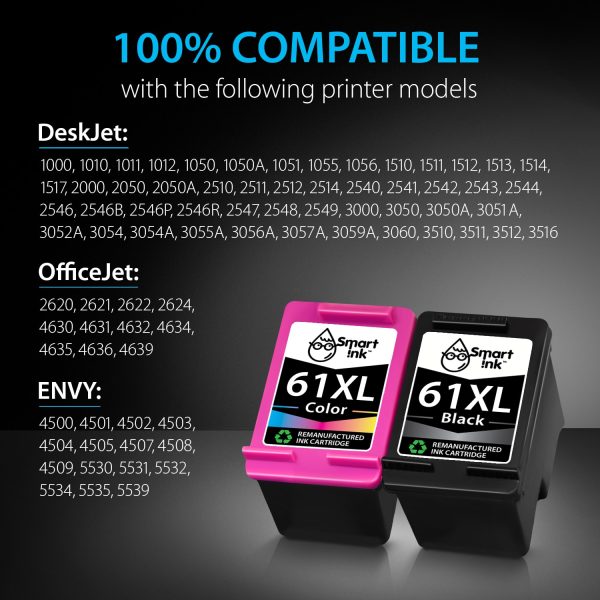
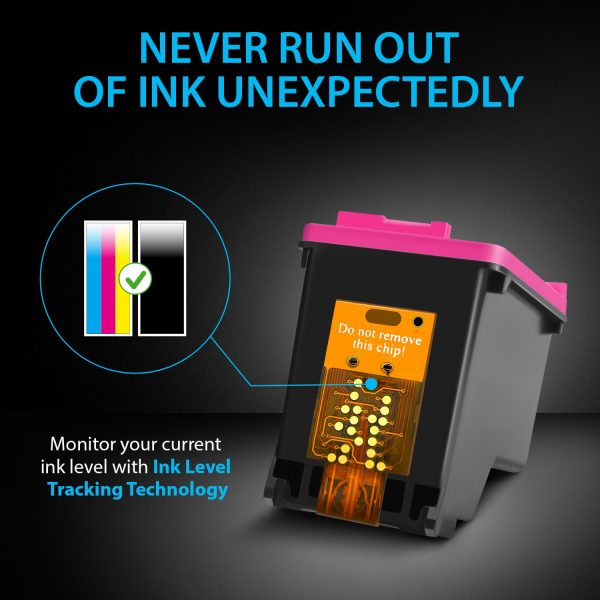

DescriptionGUARANTEED TO WORK WITH THE FOLLOWING PRINTERS:HP DeskjetHP Deskjet 1000HP Deskjet 1010HP Deskjet 1011HP Deskjet 1012HP Deskjet 1050HP Deskjet 1051HP Deskjet 1055HP Deskjet 1056HP Deskjet 1050AHP Deskjet 1510HP Deskjet 1511HP Deskjet 1512HP Deskjet 1513HP Deskjet 1514HP Deskjet 1517HP Deskjet 2000HP Deskjet 2050HP Deskjet 2050AHP Deskjet 2546PHP Deskjet 2546BHP Deskjet 2546RHP Deskjet 2510HP Deskjet 2511HP Deskjet 2512HP Deskjet 2514HP Deskjet 2540HP Deskjet 2541HP Deskjet 2542HP Deskjet 2543HP Deskjet 2544HP Deskjet 2546HP Deskjet 2547HP Deskjet 2548HP Deskjet 2549HP Deskjet 3000HP Deskjet 3050HP Deskjet 3054HP Deskjet 3060HP Deskjet 3050AHP Deskjet 3051AHP Deskjet 3052AHP Deskjet 3054AHP Deskjet 3055AHP Deskjet 3056AHP Deskjet 3057AHP Deskjet 3059AHP Deskjet 3510HP Deskjet 3511HP Deskjet 3512HP Deskjet 3516HP EnvyHP Envy 4500HP Envy 4501HP Envy 4502HP Envy 4503HP Envy 4504HP Envy 4505HP Envy 4507HP Envy 4508HP Envy 4509HP Envy 5530HP Envy 5531HP Envy 5532HP Envy 5534HP Envy 5535HP Envy 5539HP OfficeJetHP Officejet 2620HP Officejet 2621HP Officejet 2622HP Officejet 2624HP Officejet 4630HP Officejet 4631HP Officejet 4632HP Officejet 4634HP Officejet 4635HP Officejet 4636HP Officejet 4639HERE ARE THE HP 61 FEATURES:The latest chip version & ink-tracking technology. HP 61 ink cartridges from Smart Ink use the newest chip version to ensure their compatibility with the printer. All of our HP ink 61 combo pack cartridges are equipped with an ink-tracking technology. So, you won’t run out of ink at the most unexpected time.Ink level tracking will notify you when it’s time to order the new HP 61 ink cartridge.Excellent Print Quality: Smart Ink HP 61 printer ink cartridges are remanufactured from OEM products, professionally cleaned, and tested to provide you with the same print quality as the original ink cartridges.Safe packaging & worldwide shipping. We provide multi-layered individual packaging for 61 HP printer ink. It ensures safe HP 61 ink delivery anywhere you need. Moreover, the delivery of HP 61 ink cartridges is completely free of charge.Cartridges are tested before each shipment to ensure perfect printing quality.Eco-friendly remanufactured cartridges. HP 61 ink cartridge combo pack is eco-friendly, as it is comprised of remanufactured cartridges. After professional cleaning and testing, they can be used again. The quality of HP 61 remanufactured ink is almost the same as that of the original cartridges. Outstanding quality for optimal price. Our 61 XL HP ink cartridges provide excellent quality that is no lower than the original. Smart HP 61 Ink is certified by CE, ISO 9001, ISO 14000, Reach and STMC. Over 850 000 customers around the world use Smart Ink cartridges every day!PRODUCT INFORMATION:Page Yield: High Yield Version (XL)Black: 730 pagesColor: 420 pagesShelf life: 2 yearsInk type: Dye-basedHow much will you save with Smart Ink HP ink 61 black and color cartridges?Here at Smart Ink we care about:Your savings — spend saved money on what matters most. Things are not worth investments — memories are. Our HP ink 61 black and color cartridges allow you to save up to $200 a year for what really matters.Your prints quality — same vivid colors and sharpness as originals. We prioritize quality above all else. We used original ink composition and thoroughly tested the HP 61XL combo pack before putting it on sale.Your confidence — we are always here to help when you need us. Installation is easy. But even if for any reason our HP 61 ink black and color cartridges are not suitable for you, we can always return them if needed.FAQHow to fix a “Non-HP Cartridges” or “Previously used cartridges” error message? To dismiss the alert and carry on printing using remanufactured Smart Ink HP 61 remanufactured ink cartridges, click “OK” or “Continue.”How to fix “Ink Cartridges Problem”/”Cartridges Depleted”/”Missing Cartridges” errors? There are three ways to fix these errors:Unplug the printer’s power cord while it is on and wait 60 seconds. Reconnect the cord, then switch the printer back on. The yellow tape might not have been entirely removed or the HP 61 ink pack might not have been inserted correctly. The HP 61 ink cartridge must be taken out, the pink tape must be removed, and then it must be put back in until it clicks securely into place. Use a dry, lint-free cloth to gently wipe the contacts on the HP 61 printer ink cartridge and carriage to get rid of any dust or residue that has accumulated over time. Restart printing after installing the cartridge..How to resolve print quality issues in 61 XL HP ink cartridges? You must first access the Printer Toolbox. Two options exist for doing this:Select Settings in HP Director (or HP Solution Center), then Printer Toolbox under Print Settings. Open the Control Panel and select Printers and Fax. Then select Properties by right-clicking the printer icon. Then select the Service This Device icon under the Services tab after clicking Printing Preferences. Click on the Device Services tab when the Printer Toolbox has opened to clean the print cartridges. Then adhere to the directions displayed on screen. There are three different cleaning levels that you can choose from. Recycle or throw away the printed page.Need HP 61 ink for all your needs? Make a smart ink choice! ��
Related products